 Everypane
Save your workspace
Keep a named set of tabs for both panes. Open your project folders together.
Command palette Ctrl + K
A file manager for both sides of your work
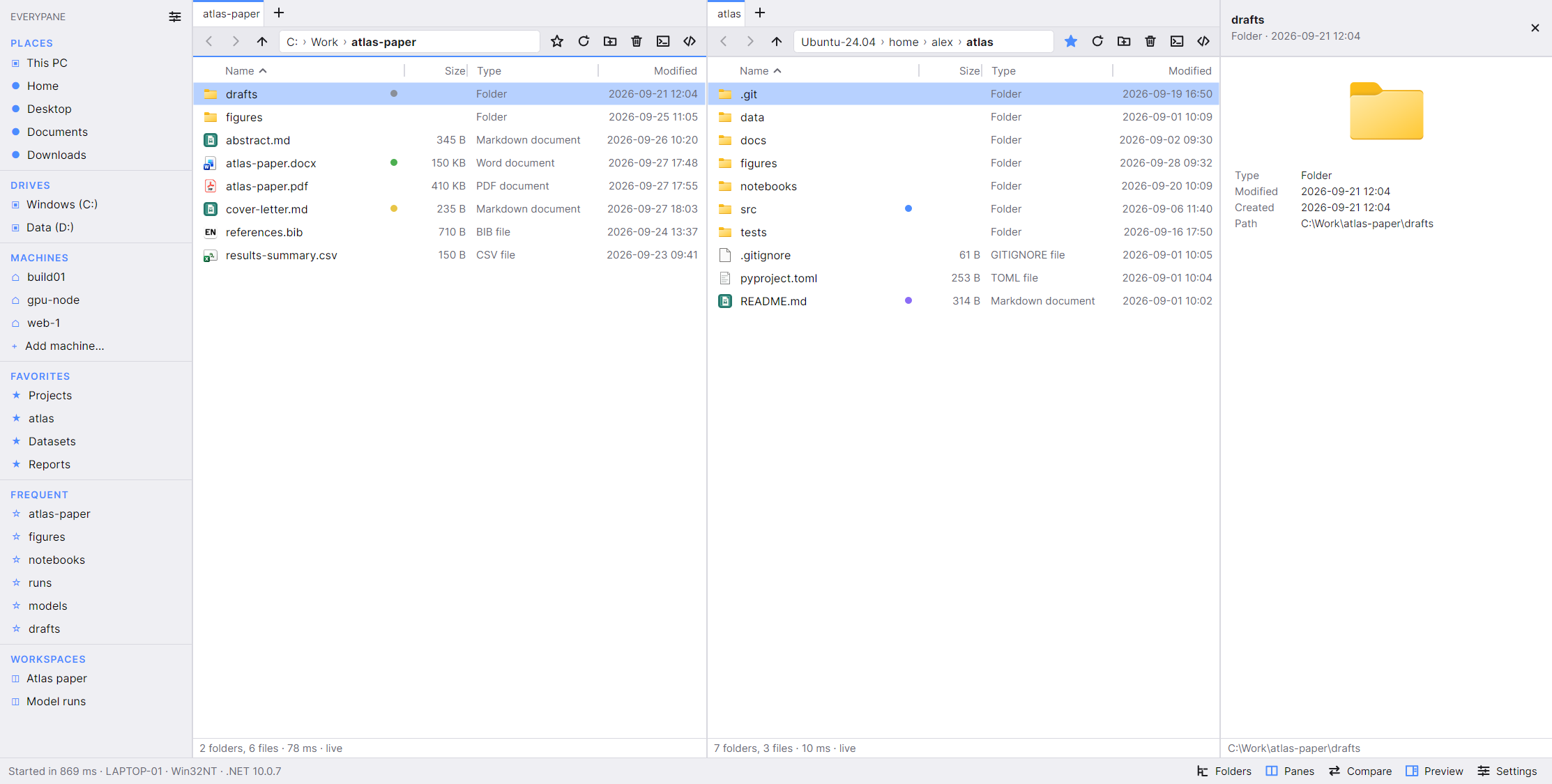
Fewer windows. More of your work.
Keep the source and destination in view.
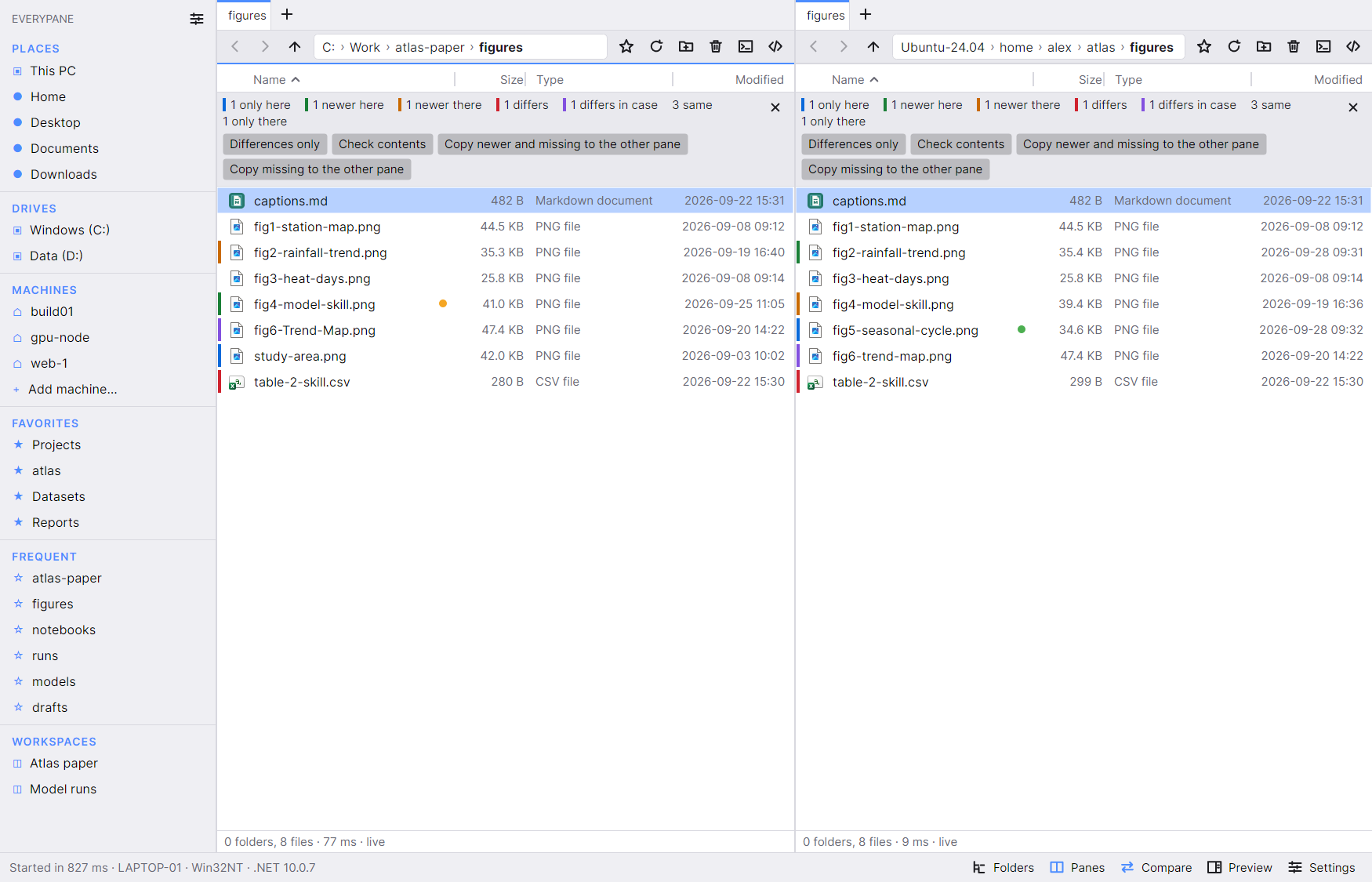
See missing, newer, and different files in two folders. Check file contents, then copy the files you need.
Compares the current folder level. It does not compare matching subfolders recursively.
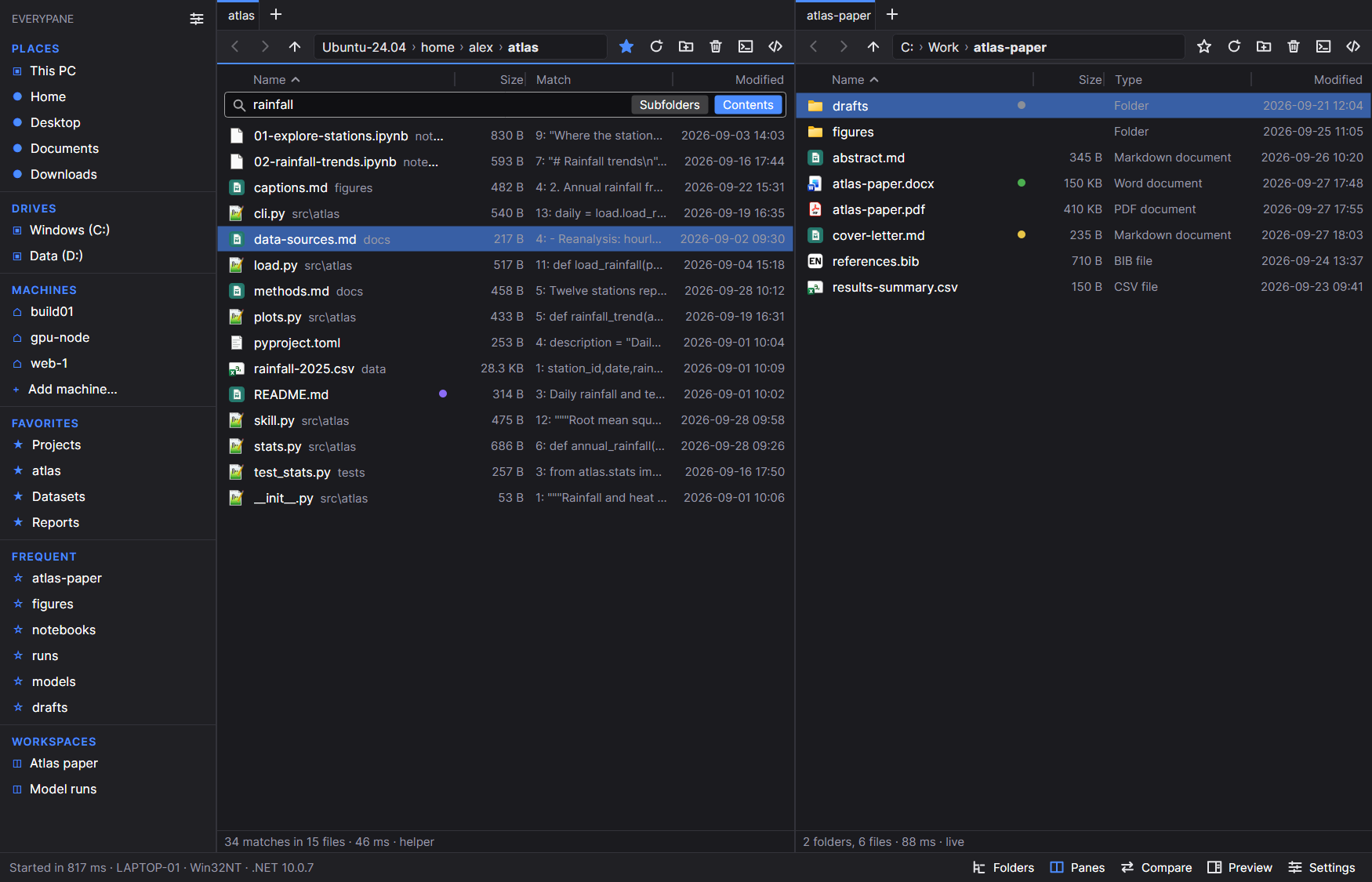
Search file contents and see matching lines beside the results. WSL and SSH searches run where the files are stored.
Text search skips binary files and files larger than 64 MB.
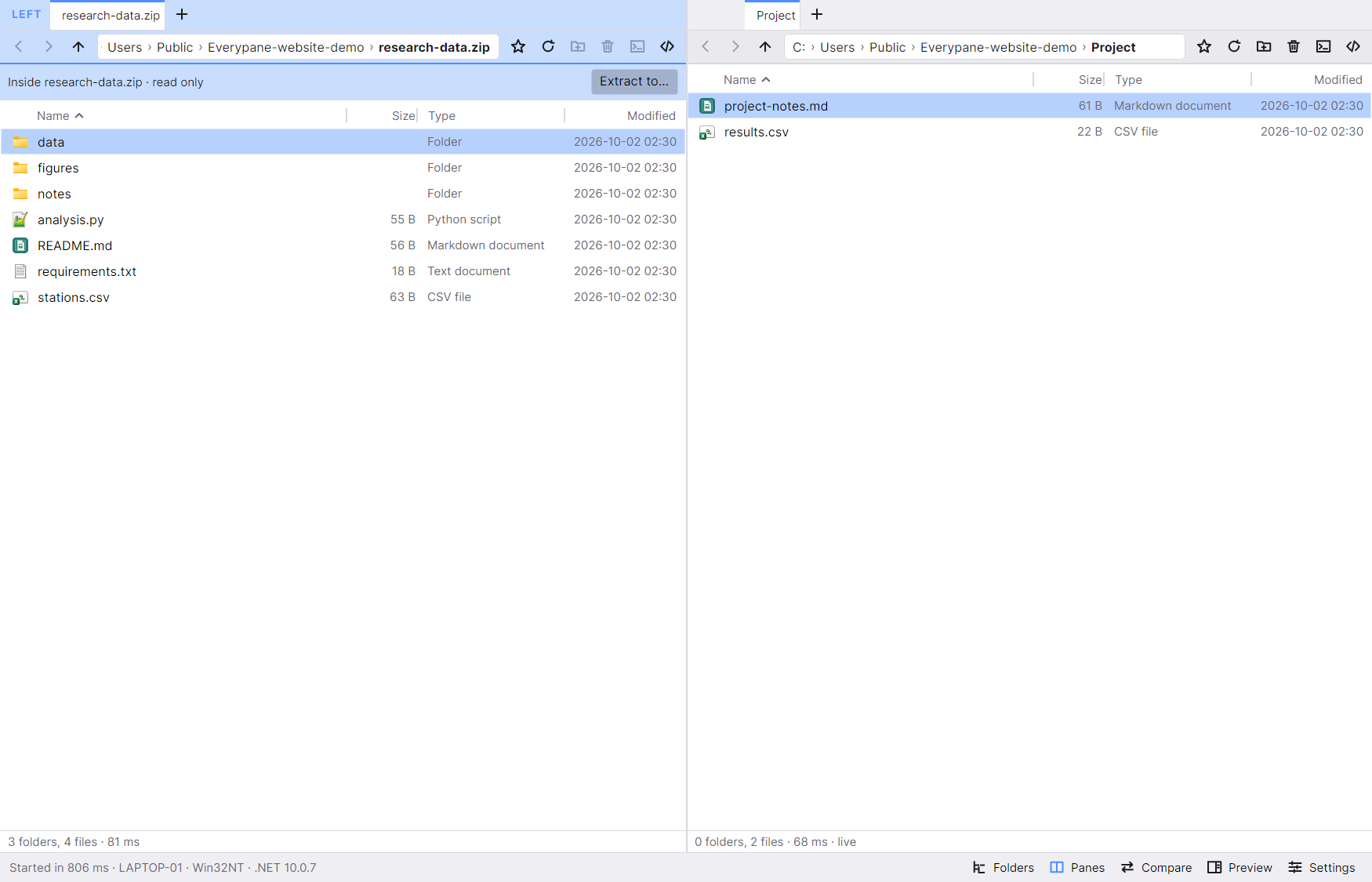
Open an archive in a pane. Browse its folders, then extract selected files or the whole archive.
ZIP browsing is read only. Editing archives, encrypted ZIPs, 7z, and RAR are outside this first release.
For the work you do every day
Keep a named set of tabs for both panes. Open your project folders together.
Command palette Ctrl + K
Read code, Markdown, PDFs, and tables beside your files. Keep your place in the folder.
Preview pane F3
Add an SSH machine to the sidebar. Browse, search, and transfer files between panes.
Remote files open as local copies. Copy saved changes back to the machine.
Everypane for Windows
Windows 10 and 11 · x64
Public beta in preparation
We’re completing code signing and installation checks before opening the download.
Download for WindowsCompare the installer’s SHA-256 hash with this value:
The signed installer will appear here when the beta is ready.
Before you install
People who use Windows alongside WSL or Linux machines. It keeps project folders, data, and remote files in one file manager.
No. You can use Everypane with ordinary Windows folders and drives. WSL and SSH access are there when you need them.
It runs as a separate app. You can use it alongside Explorer. Everypane does not take over your Windows file associations.
Everypane extracts that file to a temporary folder and opens it with its usual program. Changes do not go back into the archive. Extract files to a chosen folder before editing them.
Opening a remote file downloads a local copy. Saved changes stay in that copy. Copy it back to the machine when you finish.
A Linux version is in development. The first website beta is for Windows x64.
The download section shows the current beta status. Commercial pricing and license terms will be published before sales begin.